Hey there! As a supplier of Scissor Lift with Wheels, I'm super stoked to take you on a deep - dive into how the control panel of these nifty machines functions.
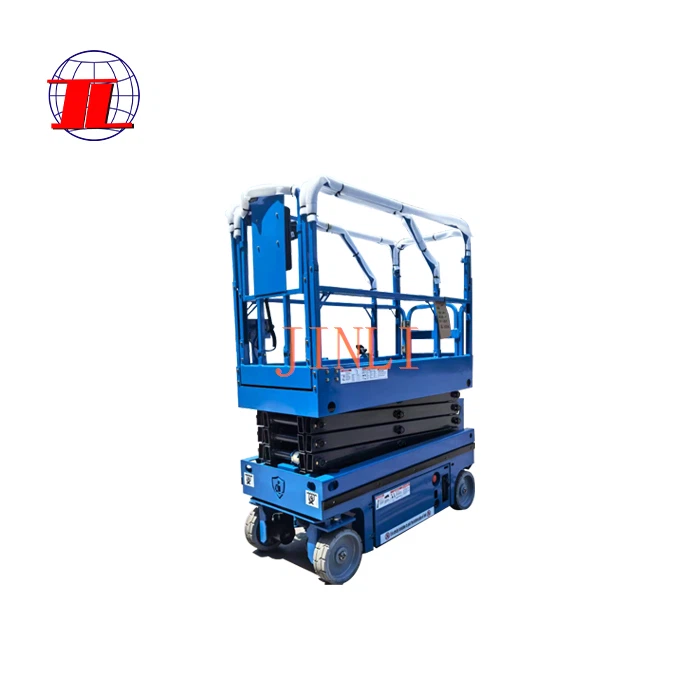
First off, let's talk a bit about what a Scissor Lift with Wheels is. It's an incredibly versatile piece of equipment. You can find it in warehouses, construction sites, and even in some retail stores for stock management. It combines the mobility of wheels with the lifting power of a scissor mechanism. If you're interested in checking out our products, you can click on Scissor Lift with Wheels.
The control panel is the heart and soul of a Scissor Lift with Wheels. It's where the operator gets to call the shots and make the lift do its thing. Most control panels are designed to be user - friendly, even for those who aren't mechanical whizzes.
One of the most basic functions of the control panel is the up and down operation. There are usually dedicated buttons for this. When you press the "up" button, an electrical signal is sent to the hydraulic pump. The hydraulic pump then starts pushing hydraulic fluid into the cylinders of the scissor mechanism. As the fluid fills the cylinders, the scissor arms start to expand, and the platform of the lift goes up. On the flip side, when you hit the "down" button, the hydraulic fluid is released from the cylinders, and the scissor arms contract, bringing the platform back down. It's a pretty straightforward process, but it's crucial for getting the job done, whether you're reaching for high - up shelves or working on an elevated construction area.
Now, let's talk about speed control. Some of our Movable Scissor Lift Table models come with variable speed control on the control panel. This is a game - changer. In some situations, you might need to move the platform up or down slowly and precisely, like when you're aligning heavy equipment. The speed control allows you to adjust the rate at which the hydraulic fluid is pumped in or out of the cylinders. You can fine - tune the speed to fit the task at hand, which adds a whole new level of flexibility to the operation.
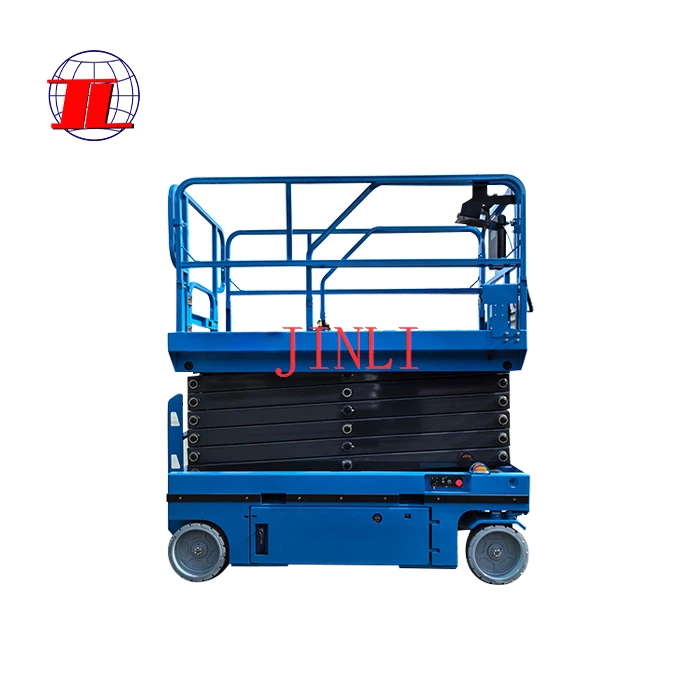
Another important feature on the control panel is the emergency stop button. This is a big red button that stands out like a sore thumb. In case something goes wrong, like a sudden mechanical malfunction or if an operator spots a safety hazard, they can press this button immediately. When the emergency stop button is pressed, it cuts off the power supply to the hydraulic pump and all other moving parts of the lift. This brings the lift to an instant halt, preventing any potential accidents or further damage to the equipment. Safety is our top priority, and this button is a crucial part of ensuring that.
The control panel also often includes controls for the wheels. For our Self Propelled Lifting Platform models, there are usually buttons or joysticks for forward, backward, left, and right movement. When you press the forward button, an electric motor connected to the wheels starts spinning, and the lift moves forward. The same principle applies to the other directions. Some advanced models even have a steering control that allows for more precise maneuvering in tight spaces. This is really handy in places like narrow aisles in a warehouse.
There are also indicators on the control panel. These are small lights or digital displays that give you important information about the lift's status. For example, there might be a light that indicates if the battery is low (if it's an electric - powered lift). There could also be indicators for hydraulic fluid levels. If the hydraulic fluid is running low, it can affect the lift's performance, so these indicators help the operator stay on top of maintenance needs.
In addition to these basic functions, some control panels come with advanced features like programmable height settings. You can set a specific height on the control panel, and the lift will automatically stop when it reaches that height. This is great for repetitive tasks where you need to reach the same height over and over again. It saves time and ensures consistency in your work.
The control panel is also designed with safety interlocks. These are mechanisms that prevent certain actions from happening unless specific conditions are met. For example, the lift might not be able to move forward or backward unless the platform is at a certain height or in a stable position. This helps prevent accidents caused by improper operation.
When it comes to using the control panel, it's important to follow the manufacturer's instructions. Operators should be properly trained on how to use the control panel to ensure safe and efficient operation. We offer training programs for our customers to make sure they get the most out of our Scissor Lifts with Wheels.
If you're in the market for a Scissor Lift with Wheels, you'll find that the control panel is a key factor in choosing the right model for your needs. Different models might have different control panel features, so it's worth taking the time to understand what each one offers.
We take pride in providing high - quality Scissor Lifts with Wheels with user - friendly control panels. Our products are designed to meet the diverse needs of our customers, whether you're a small business owner or a large construction company.
If you're interested in learning more about our Scissor Lifts with Wheels or have any questions about the control panel functions, don't hesitate to reach out. We're here to help you find the perfect solution for your lifting needs. Let's start a conversation and see how we can work together to make your operations more efficient and safe.
References
- General knowledge about scissor lift technology and control panel functions from industry experience.